Trace
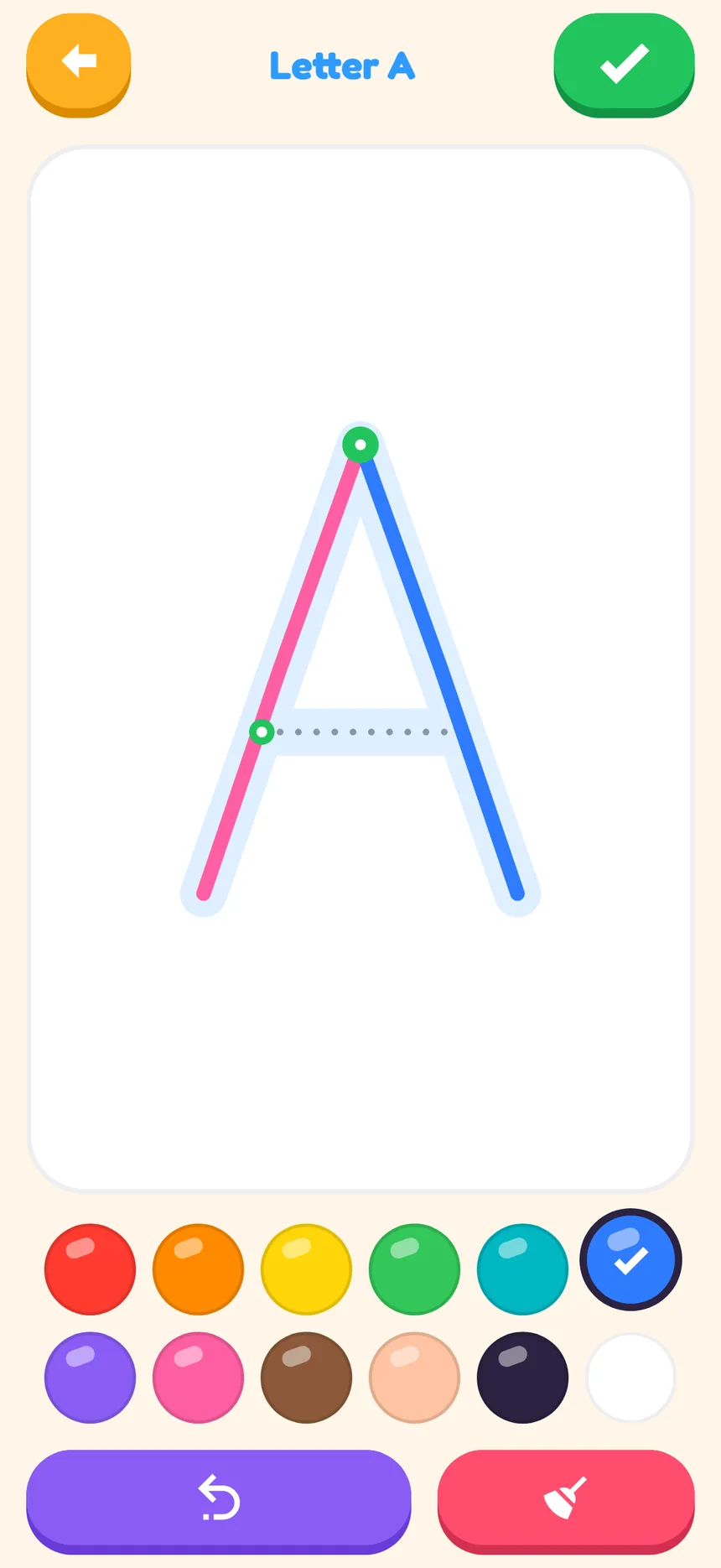
Shapes, every letter A–Z and numbers 0–9, drawn as single strokes in the order kids learn to write them.
For ages 2+ · iPad and phone · No ads
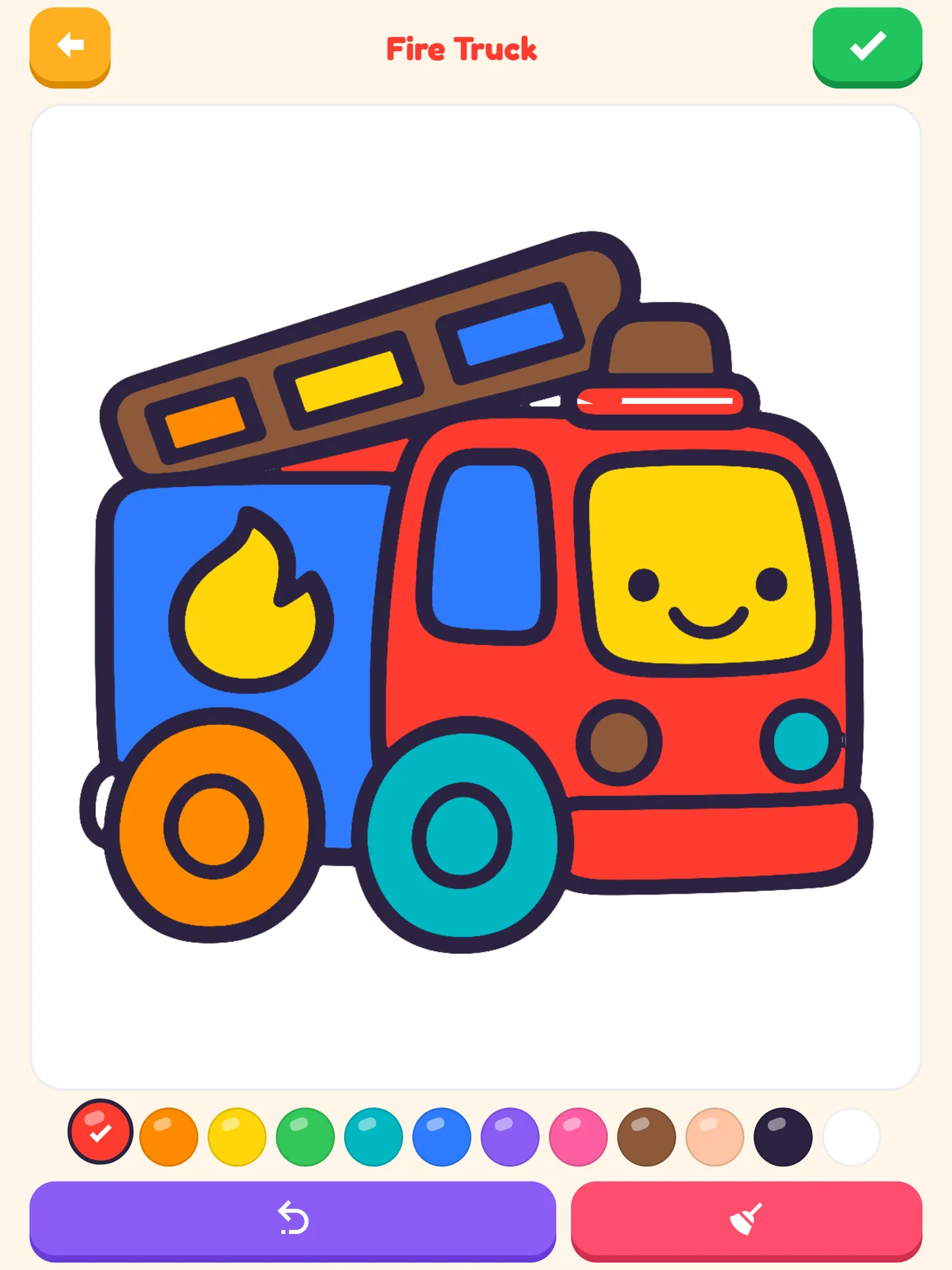
Two giant buttons, 100 colouring pages with thick friendly lines, and an Easy mode that keeps colour inside the lines — so a two-year-old gets a picture they’re proud of.
How it works
No tabs, no menus, no reading. A toddler taps Trace or Colour, picks a picture and starts.
Shapes, every letter A–Z and numbers 0–9, drawn as single strokes in the order kids learn to write them.
Animals, cars and trucks, dinosaurs, sea life and princesses — 100 pages drawn with big shapes for little fingers.
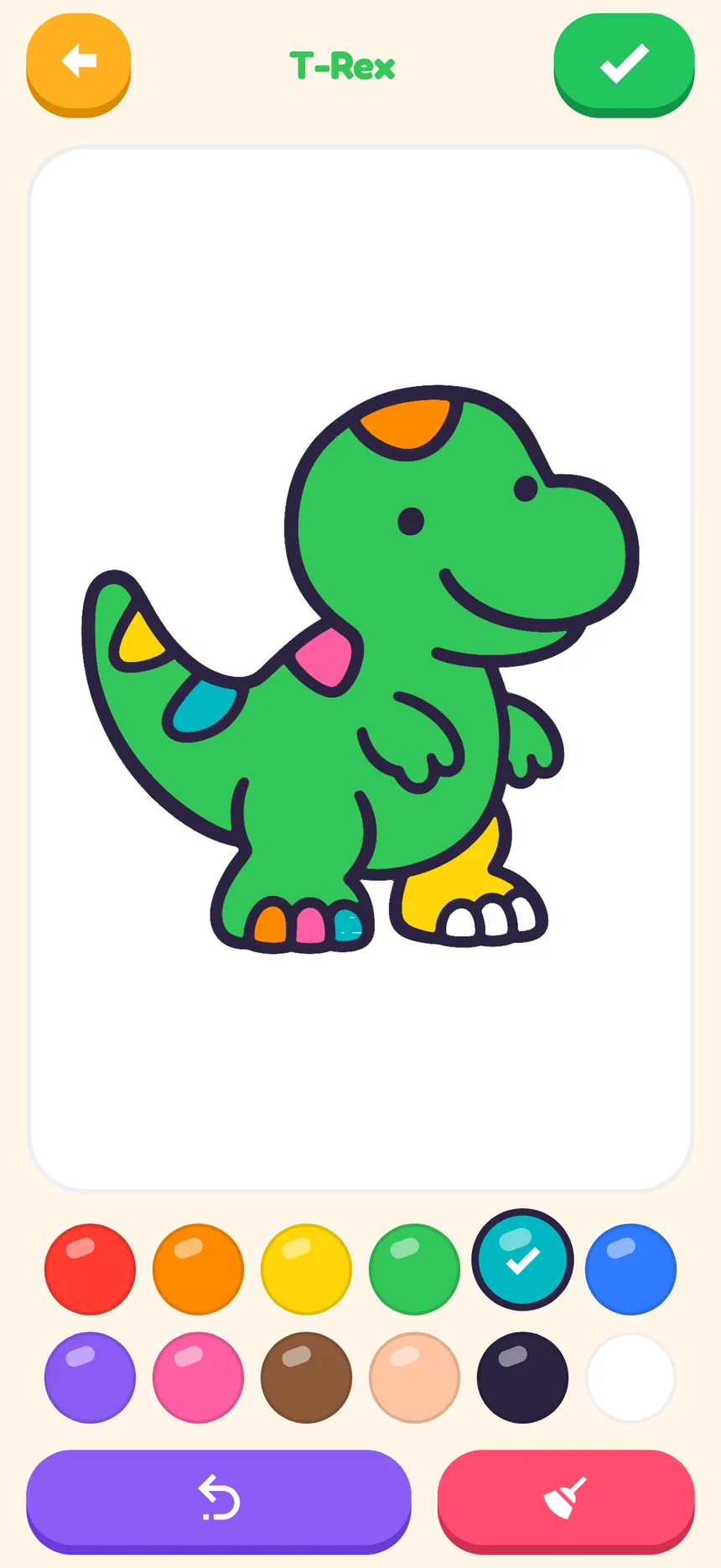
Easy mode
Every colouring page is split into sections. In Easy mode a stroke stays inside the section it started in, so a wobbly scribble across the dinosaur’s belly stays on the belly.
Tracing
A soft lane and a dotted line show the path. Green dots mark where each stroke starts, and a little dot runs ahead to show the way until your child’s finger takes over.
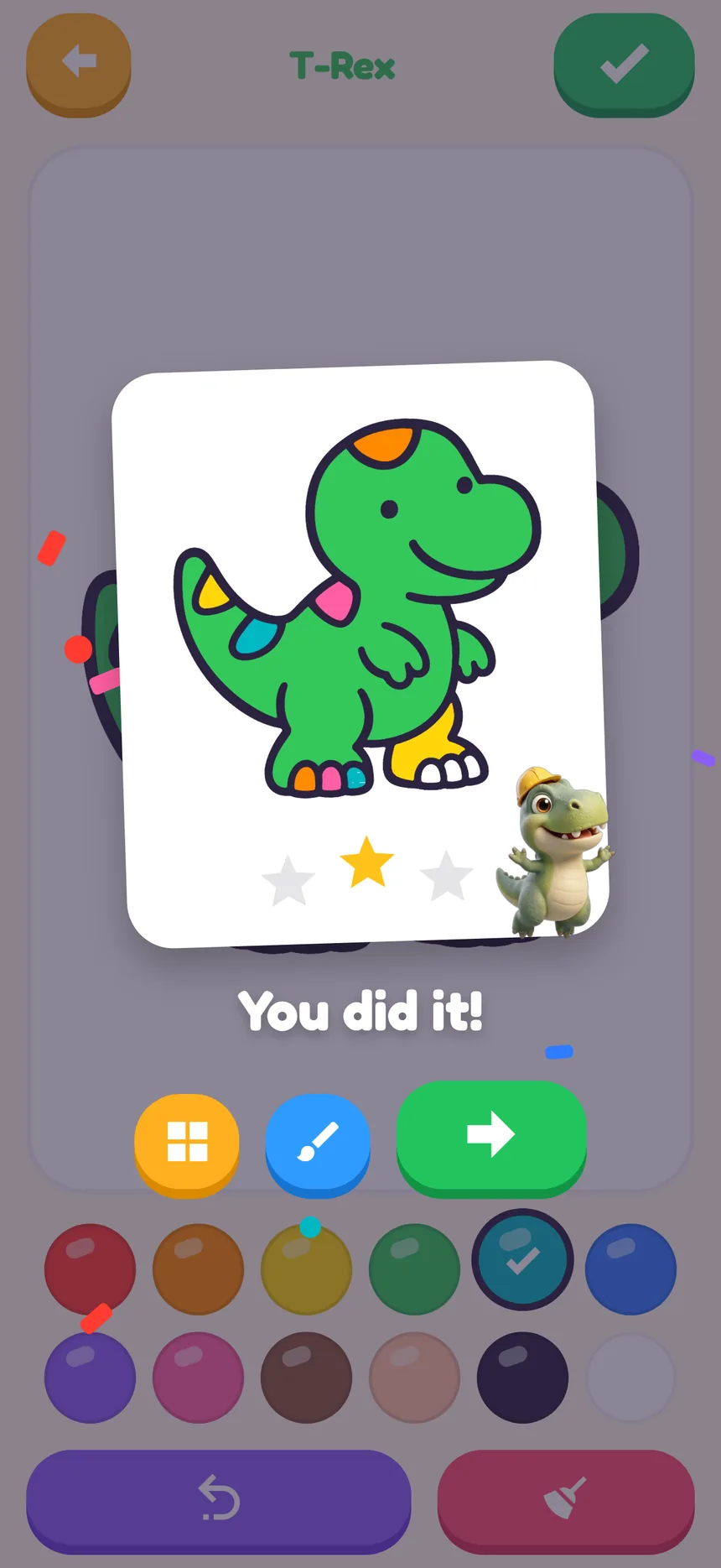
Trace it neatly and three gold stars pop up with the picture they just made.
Designed with a two-year-old
Tested by a real two-year-old. Here’s what made the cut.
Purple takes the last line away, red sweeps it all clean, green says finished. Same colour, same place, every screen.
No brush sizes to fiddle with. A single crayon that looks the same against the picture on a phone or an iPad.
A friendly voice names every picture — “Let’s colour an elephant” — so a child who can’t read yet never gets stuck.
Tap the green tick and their own picture pops up in a frame with confetti, gold stars and a buddy cheering.
Finished pictures land in My pictures, ready to show off or carry on colouring later.
All 100 pictures and Pip’s voice live inside the app, so it keeps working in the car once it’s been opened once.
Each one redrawn for toddlers: a big friendly subject, thick lines and only a handful of large parts.
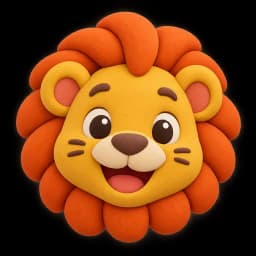
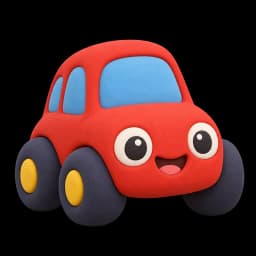
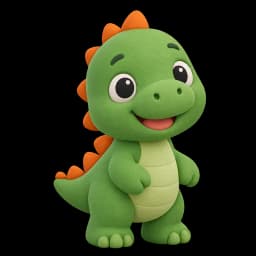
Real app, real taps, Pip’s real voice.
For parents
SketchSkool Kids is a calm drawing app, not a feed. Here’s exactly what it does and doesn’t do.
Read the privacy policy →Nothing flashing for attention and nothing to tap by accident.
There’s nothing social and no way to wander off to a website.
Open it and draw. The app never asks your child for a name, email or photo.
Settings sit behind a maths question a toddler can’t answer.
It’s built for two-year-olds and up — big buttons, no reading needed — and older kids enjoy tracing every letter and switching colouring to Hard mode.
In Easy mode each stroke stays inside the part of the picture it started in, so colour can’t cross the lines. Nothing fills itself in — your child still does the colouring. Hard mode is free colouring for older kids. Switch it on the Colour screen or in the Parents area.
Yes. iPad is the main device it’s designed for, and it works on Android and iPhone phones too.
The pictures and Pip’s voice are built in. It needs a connection the first time it opens, and finished pictures are saved to My pictures when you’re online.
No. There’s no sign-up, no email and no password. The app sets itself up anonymously on your device.
SketchSkool Kids is free to download and has no ads.
SketchSkool Kids is coming to Google Play and the App Store. Free to download, no ads.